
/dashboard/owner/reports; Admin, Approver and Operation roles do not grant access to Owner reports.
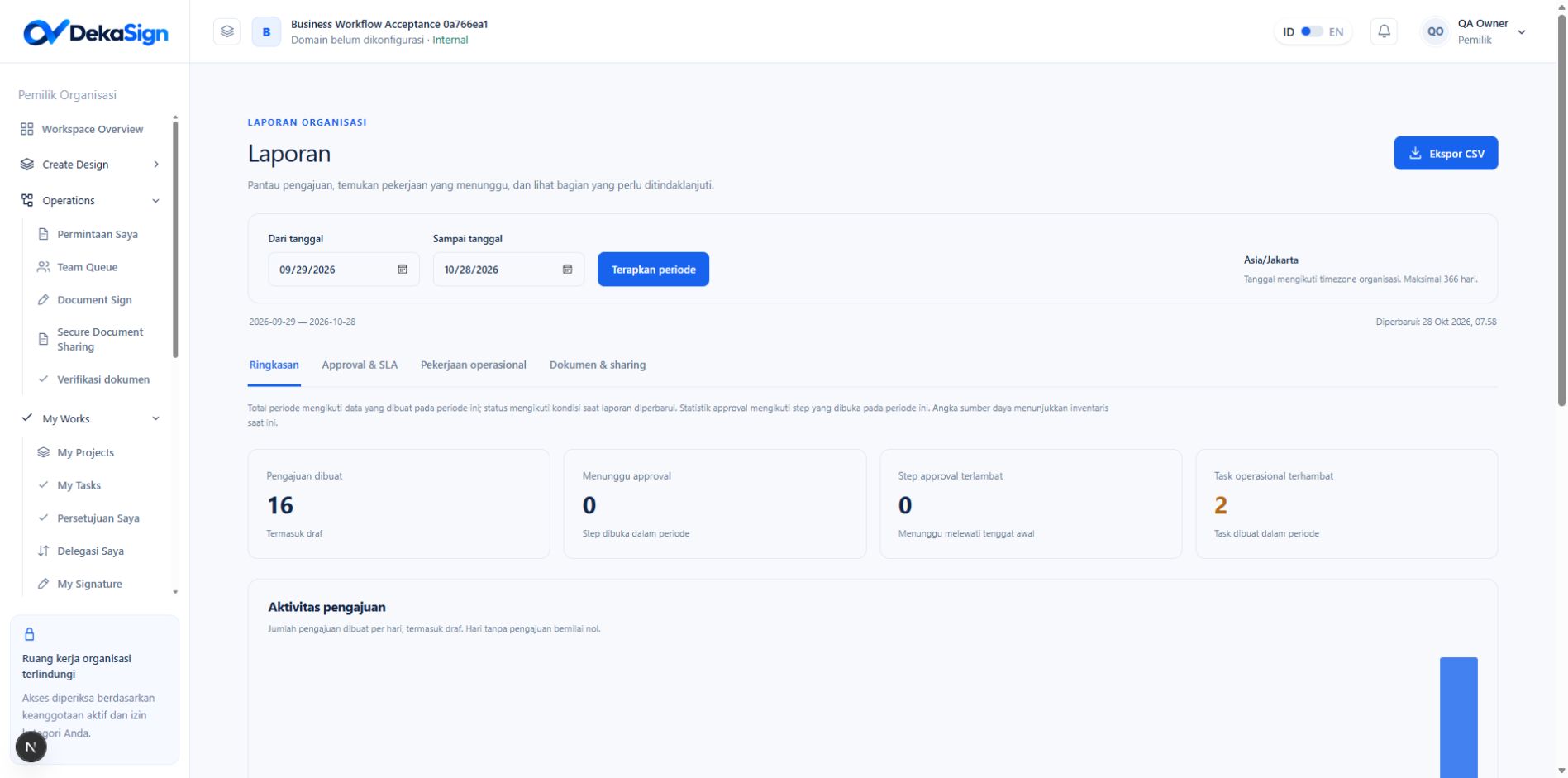
Select a period
Reports default to the last 30 calendar days, including today. Set From date and To date, then select Apply period. Both boundaries follow the organization timezone. The maximum range is 366 calendar days, including both dates. Check Updated to see when the summary was read. Changing date inputs alone does not apply a filter. Export CSV uses the period already applied to the report.Understand the counting basis
A request created before the period is not included in request totals merely because it finished today. An approval step on that older request can still enter approval statistics if the step opened in the period.
Overview
Requests created includes Drafts. The daily chart follows request creation dates and shows empty days as zero. Status and category summaries distinguish work in progress, revisions, Approved, Rejected and Cancelled requests. Approval turnaround averages the time from request creation to an Approved or Rejected outcome for requests created in the period with valid completion timestamps. Its denominator is the completed-request count shown beside the measure, rather than all requests. This duration does not wait for operational follow-up.Approvals & SLA
- Pending: a step still awaits a decision.
- Overdue now: a Pending step is past its original deadline.
- Average completed step: mean opening-to-closing duration for Completed steps with valid timestamps. Cancelled steps are excluded.
- Steps have an SLA deadline: steps with a deadline divided by all steps opened in the period.
- Finished late: Completed steps closed after their deadline divided by Completed steps with a recorded deadline and closing time. Steps without a deadline are excluded.